I don’t know what I was thinking when I first mocked up the Mary Street Bridge at the south end of Pembroke. Perhaps I thought it was so lightly built that it could only have been one lane, and I do recall a reference to a foot bridge. At any rate, thanks to Facebook and David Estabrooks, a couple of better photographs have emerged that show the bridge was a full roadway. Google suggests a width of 18 to 20 feet for a wooden bridge like this, and that lines up nicely with my existing street allowance.


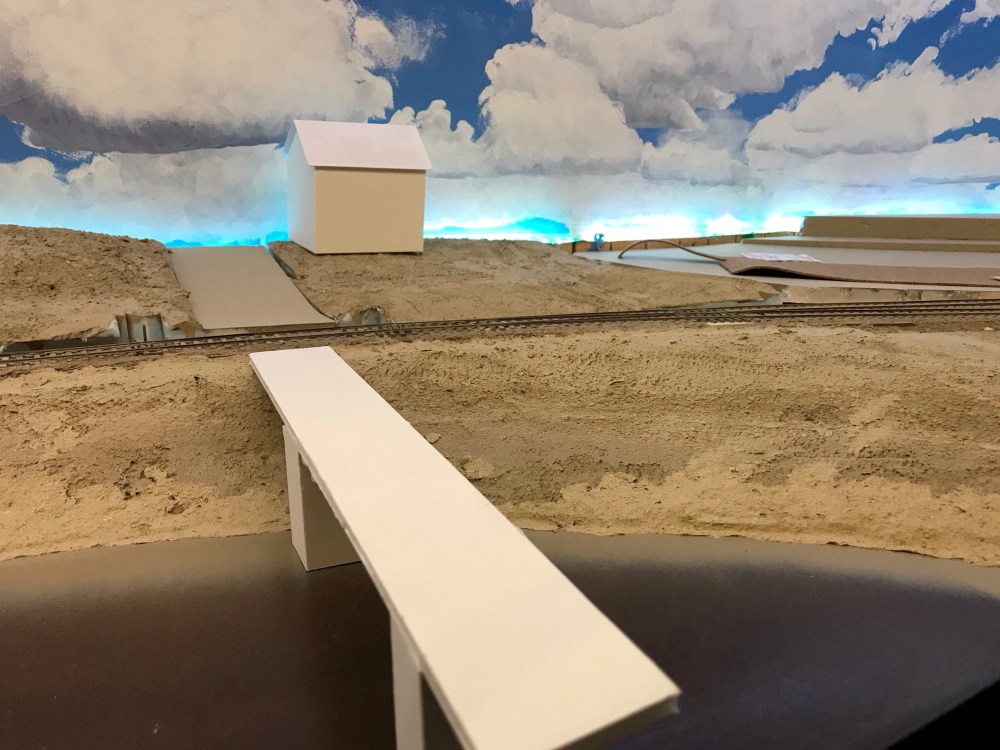
The original mockup (sides removed for reuse) 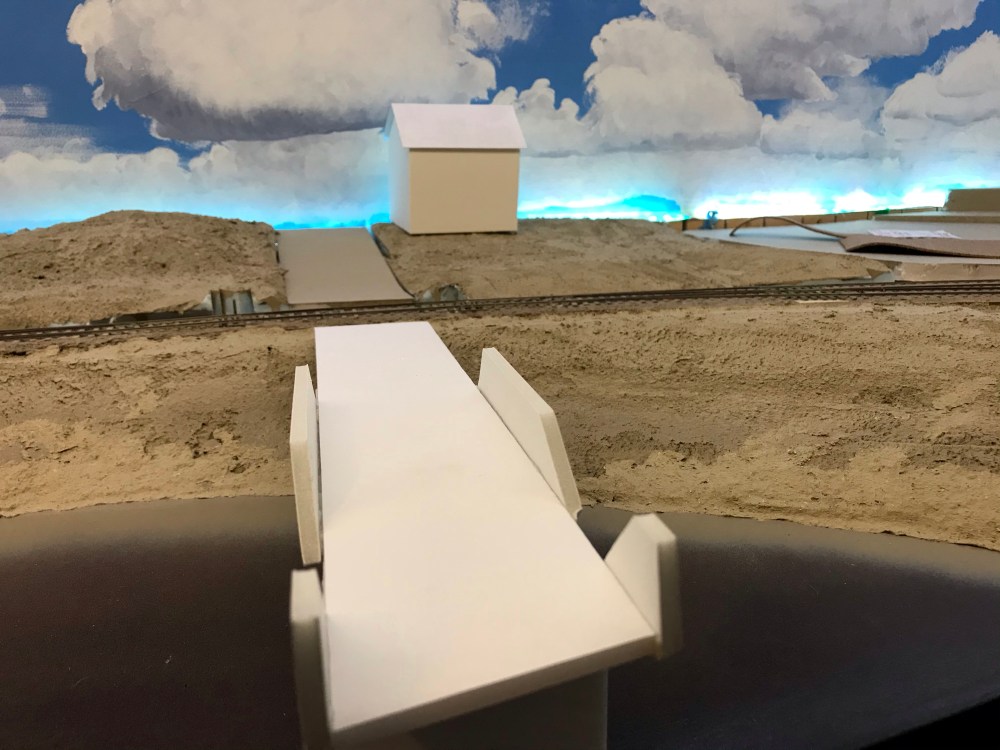
The new mockup 
The new mockup
I had a few minutes waiting for glue to set this morning, and some foam core idling under the workbench. So, I fired up the hot glue gun and made a new mockup. I also widened the piers while I was at it.
 Pembroke:87
Hi Rene,
Some time back I recall you using a Cricut Maker to cut out pieces for structures on the layout. I’m looking for a method to speed up the construction of brick buildings on my layout. Those done to date have been in plasticard with individual courses of bricks laid in microstrip and the vertical joints then cut with a scalpel. Time consuming, and there’s not enough of life left to complete the whole townscape this way!
I’ve tried laser cutting in various materials, with some promising results, but this means relying on someone else’s laser cutter, or some serious capital outlay. I wondered if the Cricut would do the job?
Questions that spring to mind are –
1. Can you use CAD software to input the design?
2. Can you combine cutting and surface etching in the same design?
3. I’ve heard of people successfully using the Cricut with 20 thou plasticard, but will it work with 2mm MDF? Cricut offer their own “chipboard”, but I’m not sure if this would cut clean enough for my purposes.
Hope you’re well – good to hear of progress on Pembroke. Obberkaer is booked for Scaleforum this year, along with Vincent de Bode’s “Graafstroom”. A bit of a p87 gathering!
Regards,
Geraint
Hi Geraint,
Super to hear from you!
I have a Cricut Explore, not Maker. Explore drags the knife, as opposed to Maker, which steers (I think the Silhouette also steers). As a result, Explore doesn’t have a round-point scoring head that would make a nice mortar line. You can cut multiple depths (look for the Cricut tag in my blog and you’ll find instructions), and follow up the shallow cuts with a scriber by hand.
I haven’t tried it yet, but an alternative approach to scoring the brick courses might be to make two shallow cuts close together in a piece of card, and then pull the mortar lines off the card. Or maybe you could use something like vinyl and transfer sheet to cut all the bricks then drop them on a backing…
I find that .25mm styrene is about the limit for a through cut with the Explore. You can scribe and cut thicker, of course. The Cricut Maker is supposed to be able to handle 2mm MDF. I’ve not seen the output though. If I were working with this thckness, I would definitely look to a laser. The physics of cutting with a sloped knife through thick material means that the corners simply can’t be clean.
Hmm.. Scaleforum. Maybe I should see if a trip to England in September could fit in the budget…
Best wishes,
Rene
The proportions of your new mock up looks better now. Many authors wrote about how people unfamiliar with trains do see “errors” with things related to streets and cars. Adding a few millimeters will ensure people appreciate at a first glance the nice bridge scene rather than puzzling why it was so narrow! By the way, this is coming along nicely. The way you play with geography and topography really brings a sense of place with this small layout.
Thank-you Matthieu! I’m sad that the modelling in the scene is still just foamcore, but I am making some progress.